 DeepBot

A personal tutor for children and adults: courses, lessons with graphs and simulations, exercises checked step by step, flashcards and progress.
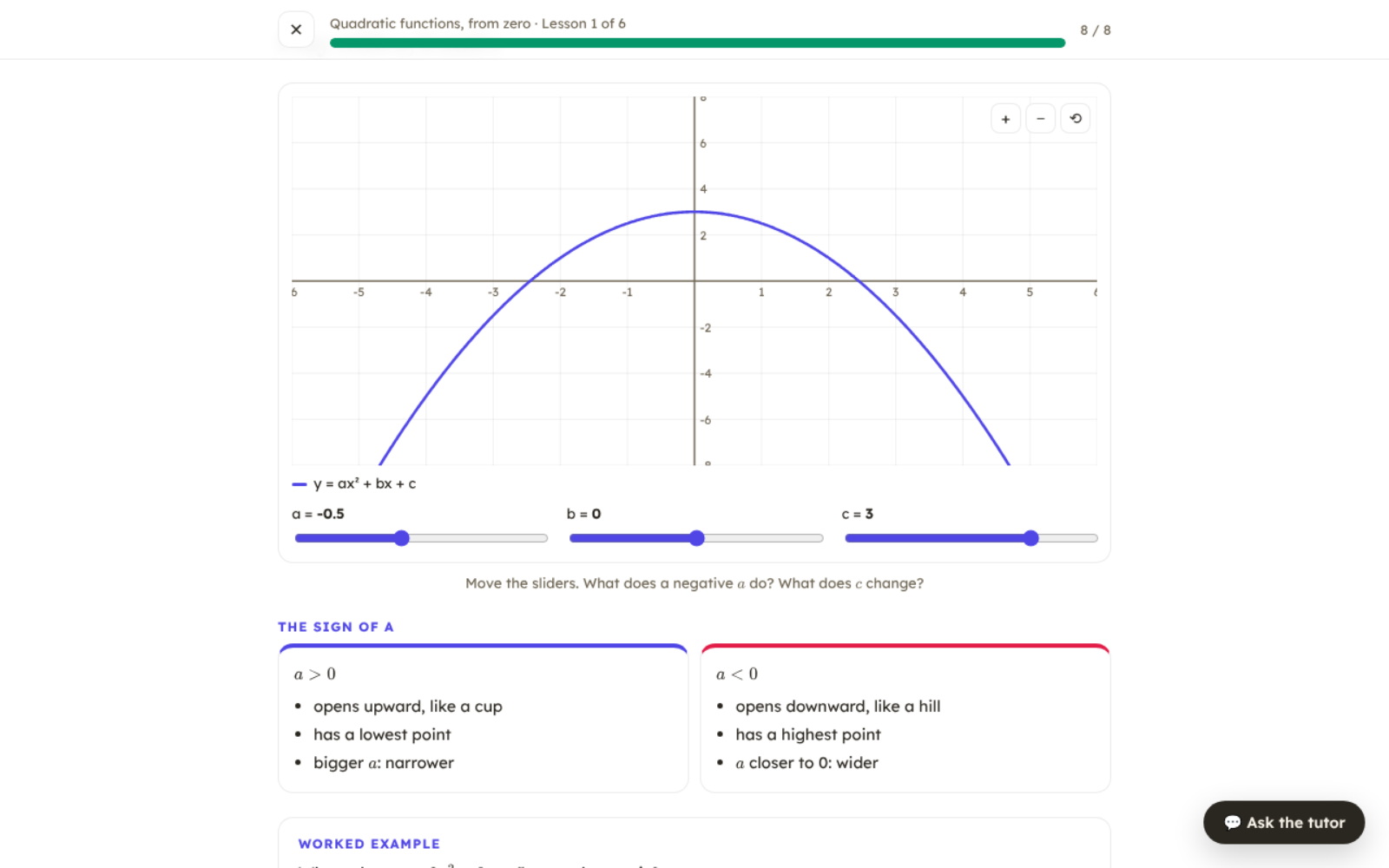
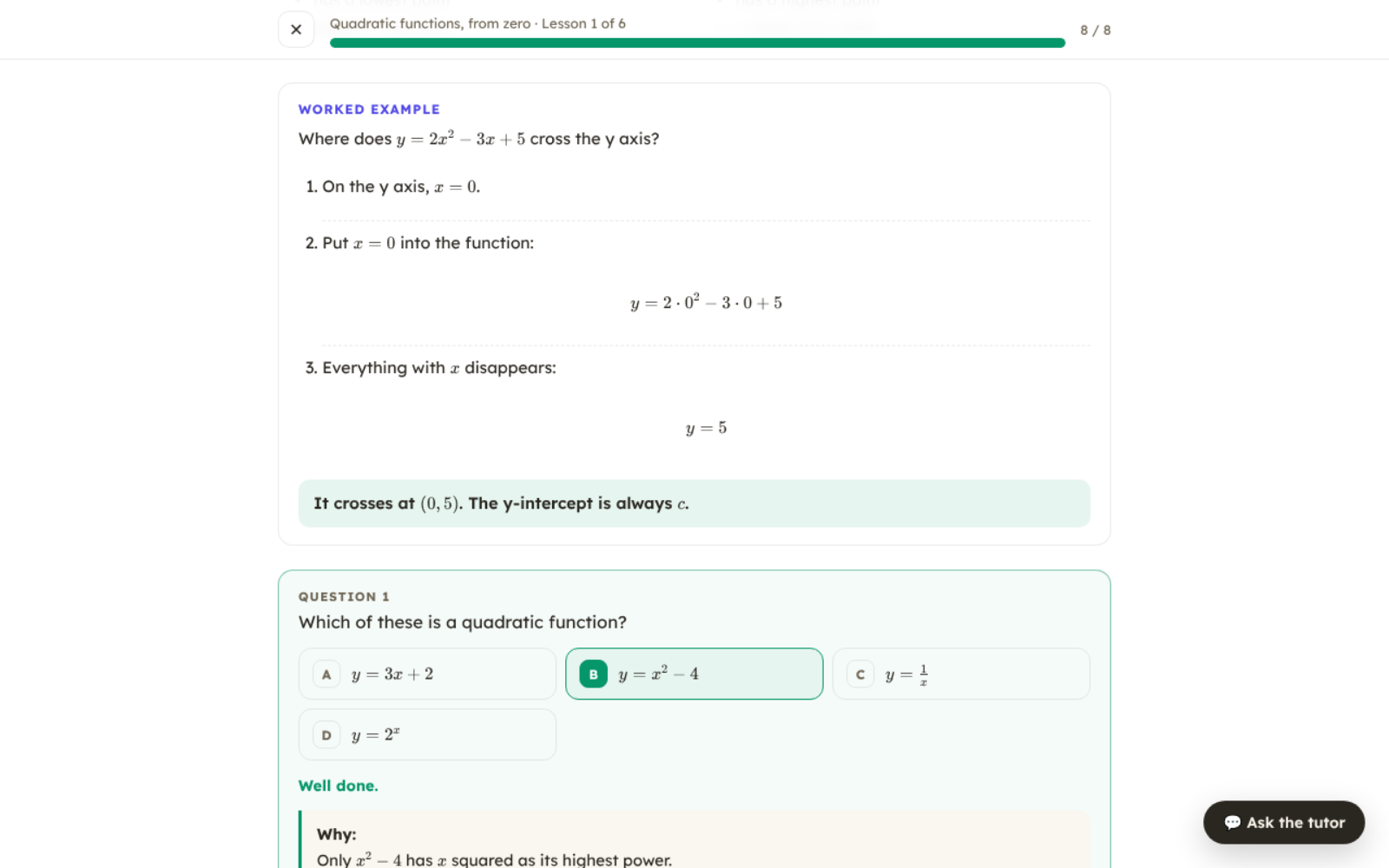
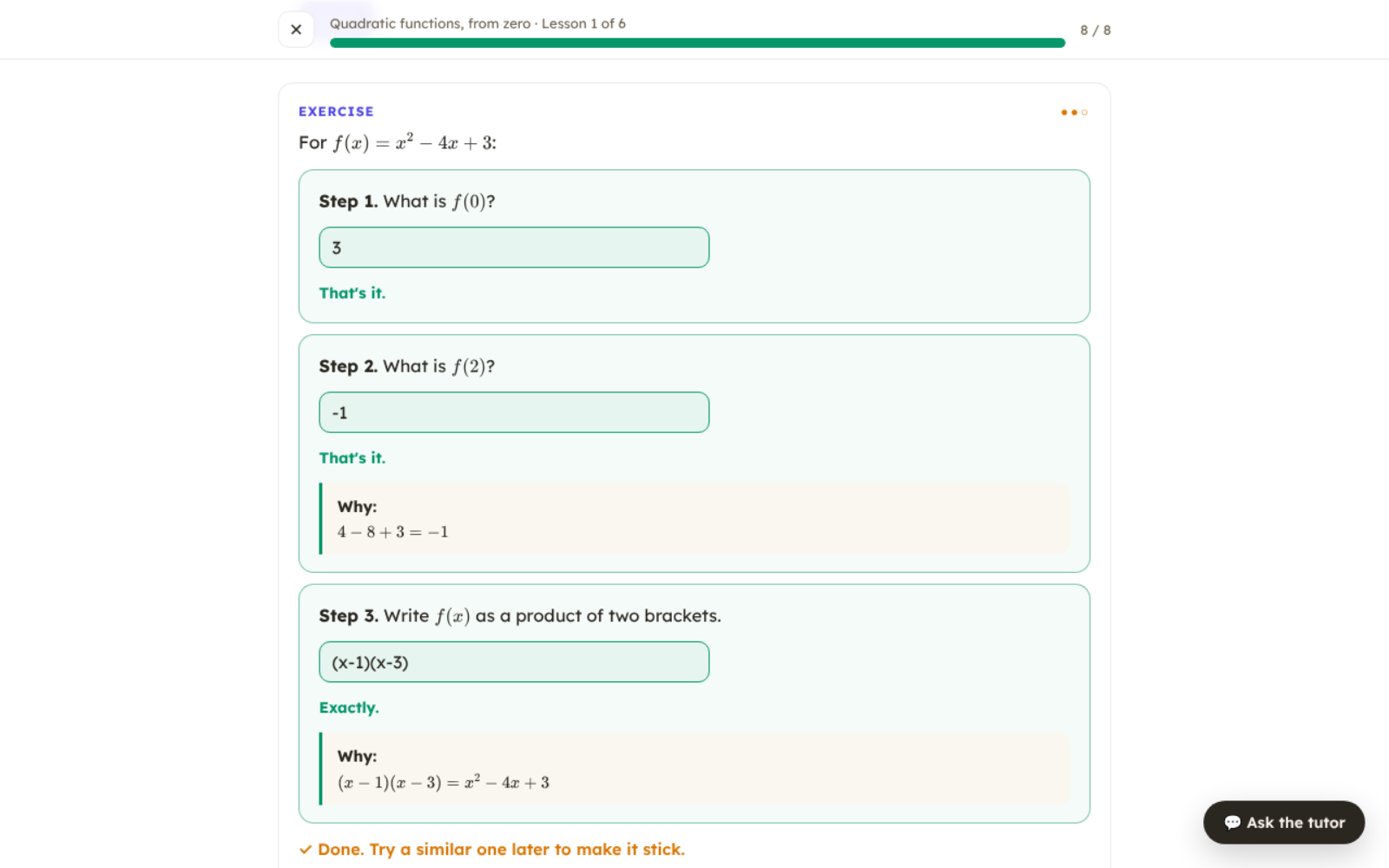
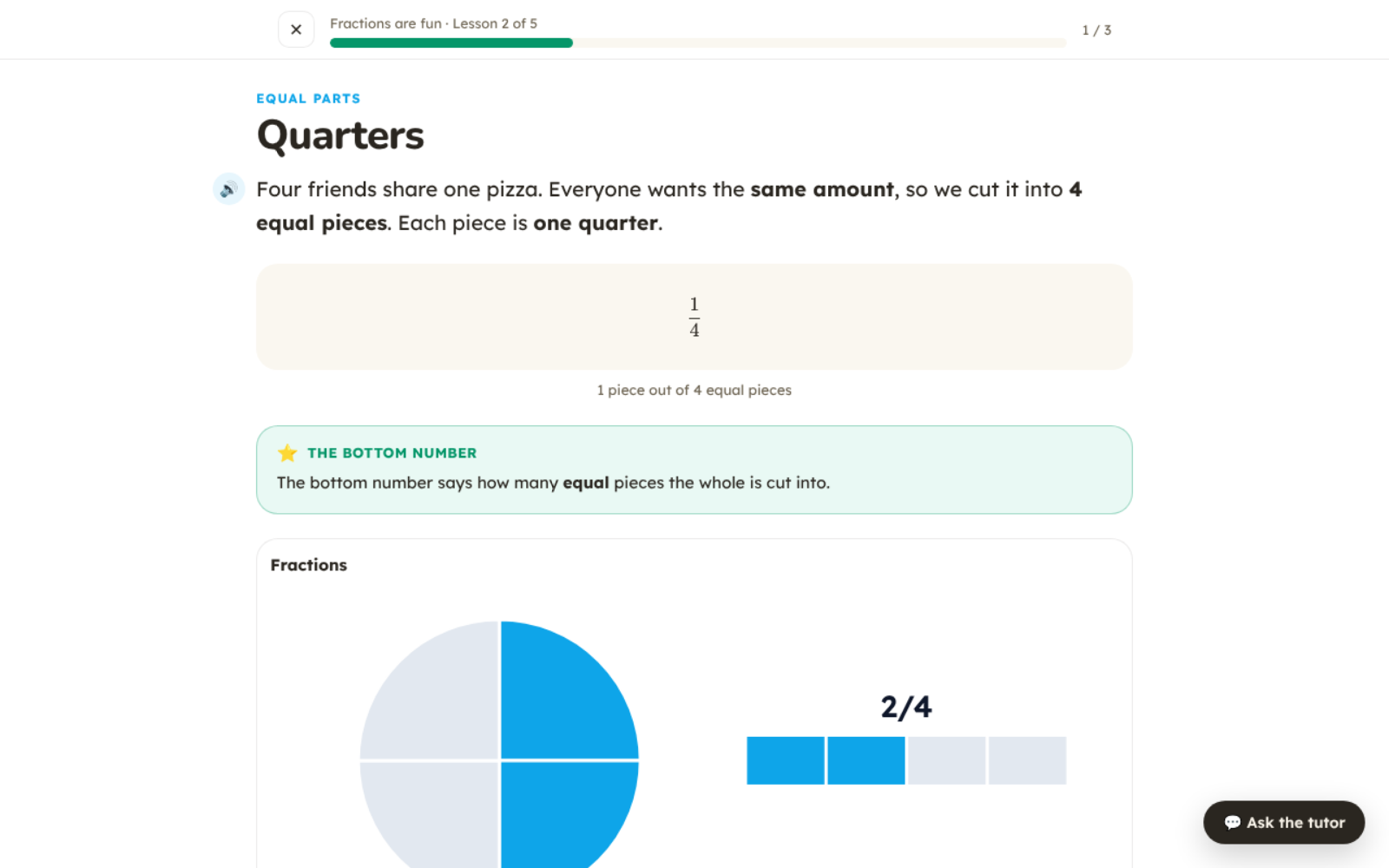
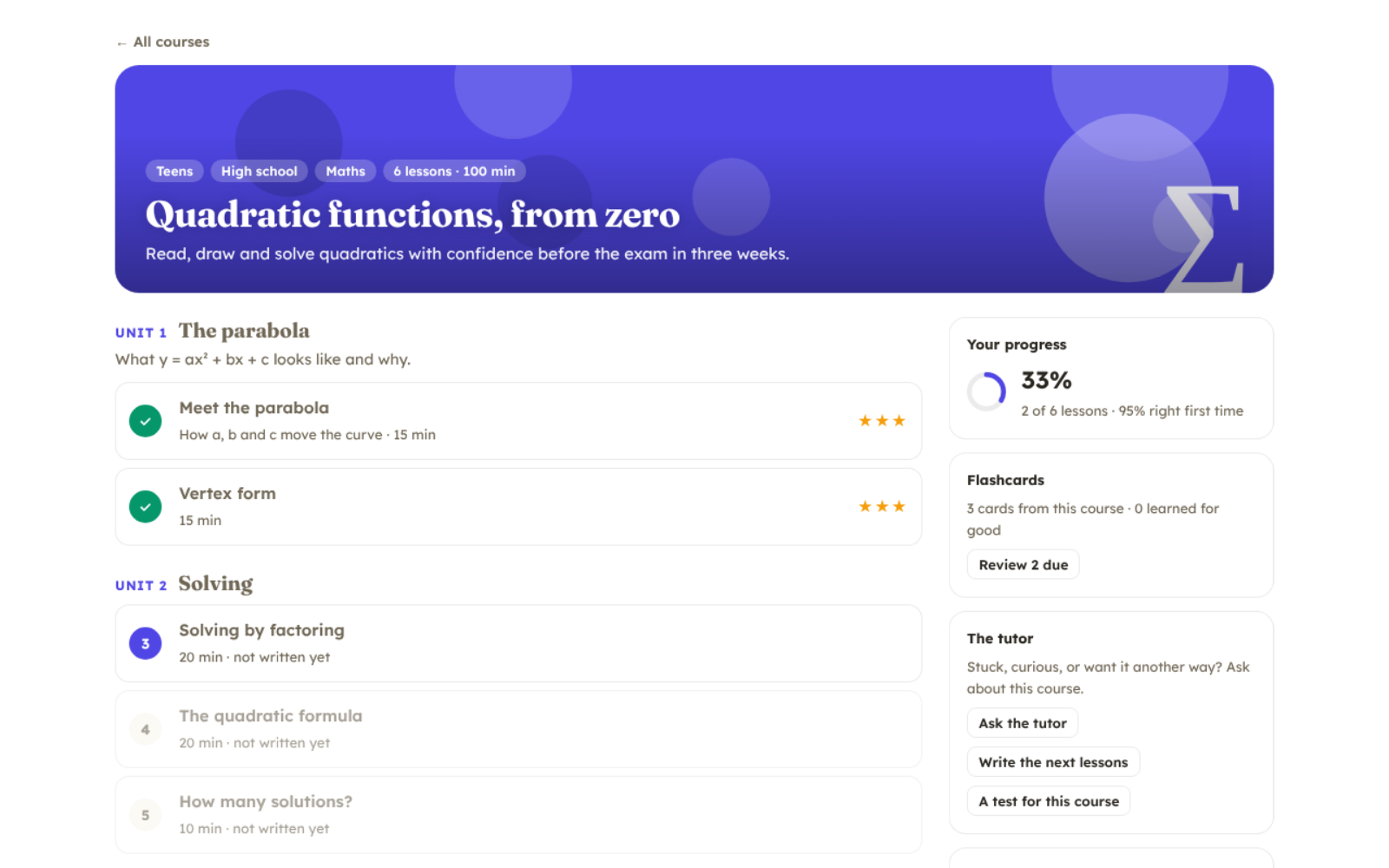
A personal tutor for children and adults. Tell your Bot what someone needs to learn ("quadratic functions for my daughter, exam in three weeks", "fractions for an 8-year-old", "statistics for my job") and it plans a course for exactly that learner, then teaches it in a page made for learning.
What a lesson has
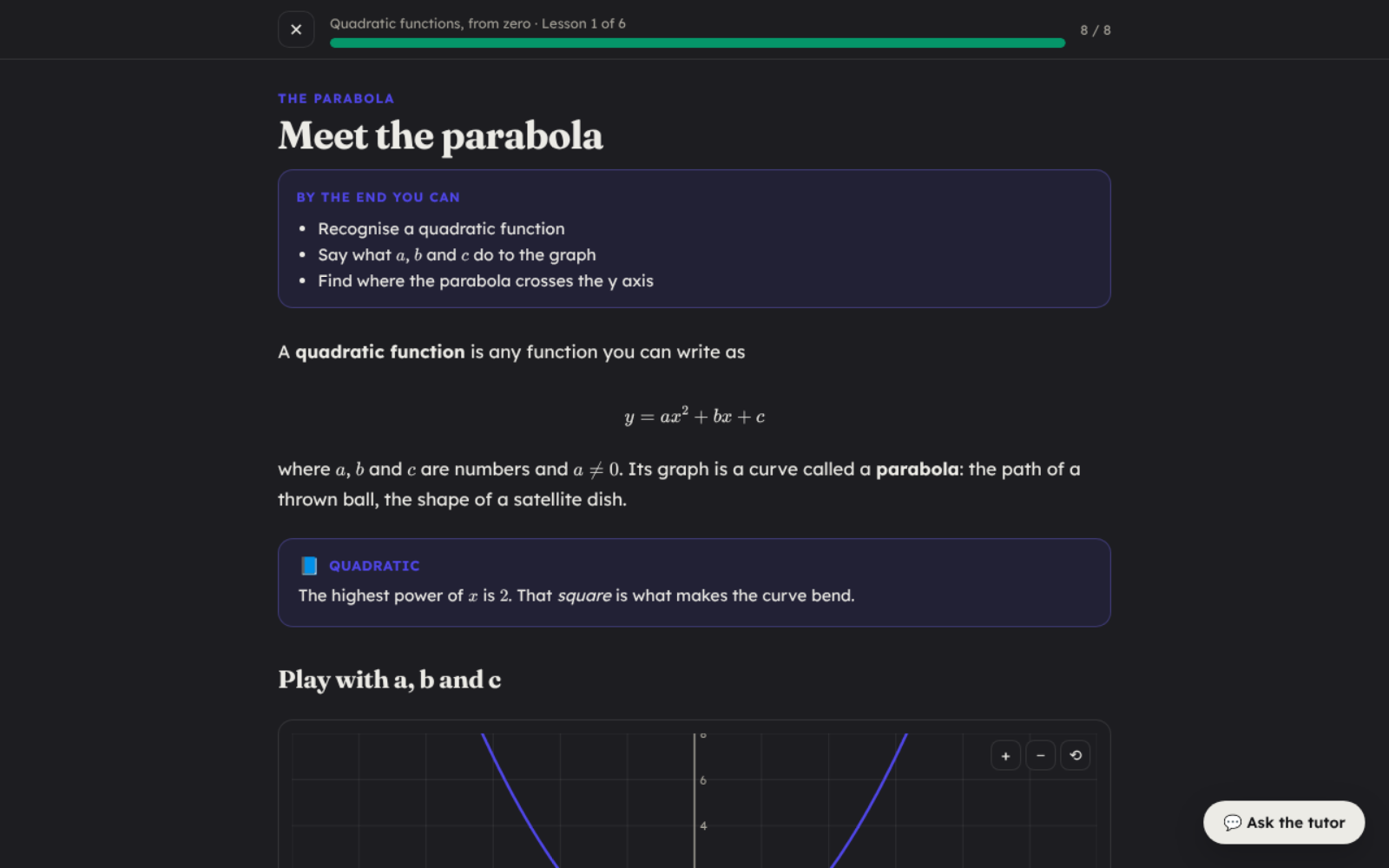
- Clear explanations with real maths notation
- Worked examples revealed one step at a time
- Graphs with sliders, and simulations (projectile, pendulum, spring, waves, circuits, orbits, population, supply and demand, dice, fractions)
- Nine kinds of questions, checked on the spot, with hints
- Exercises solved step by step, the way a teacher would check them
- Flashcards on a spaced-repetition schedule
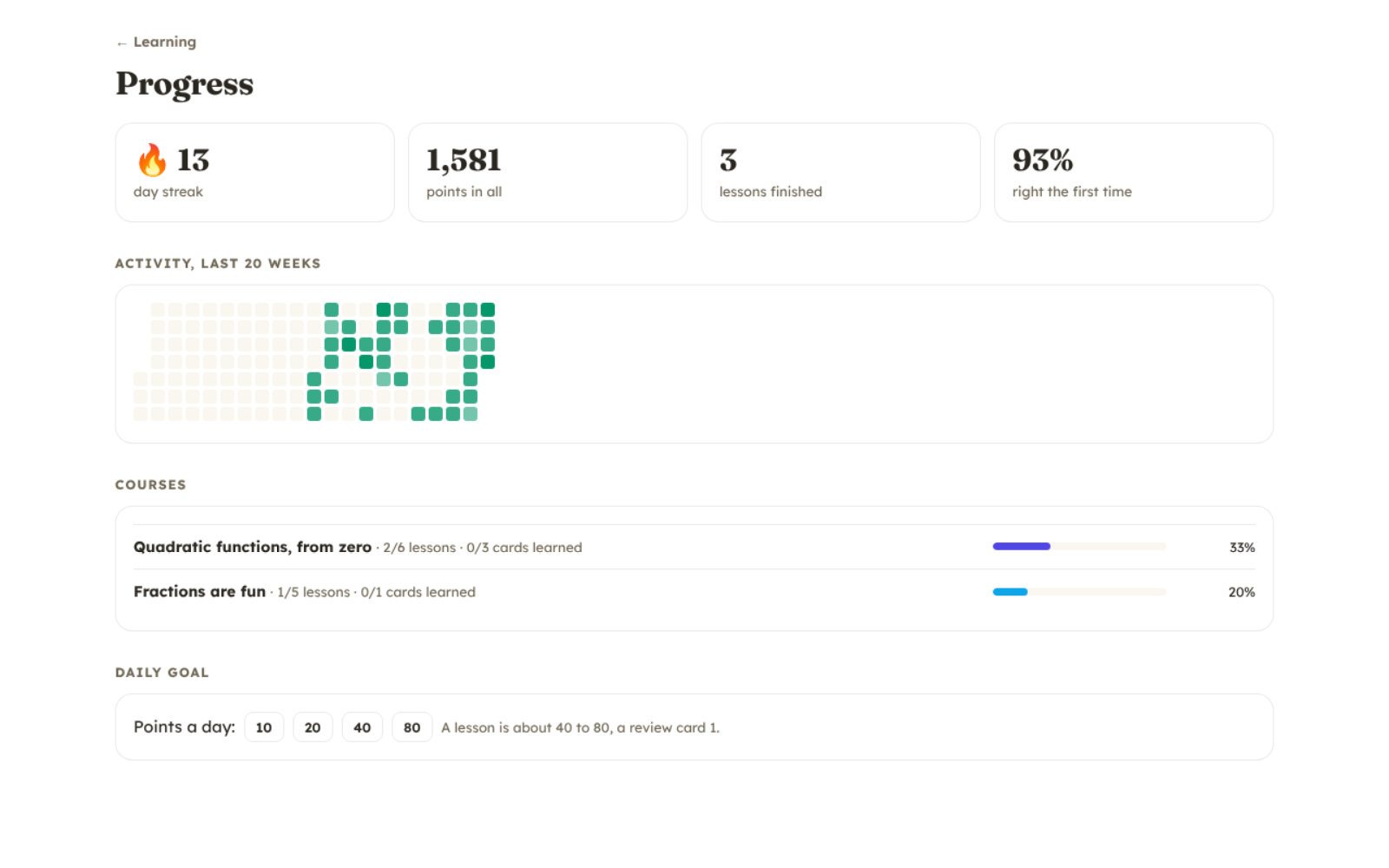
- Stars, streaks and a progress page
A playful look for children and a calm one for adults. The learner can ask the tutor about any lesson at any time, right next to it.
How to start: install it, then ask your Bot: "Make me a course on ...".
FAQ
Does it work with a local model?
Yes. The lessons are written by whatever model your Bot uses; a stronger model writes better lessons. With a local model, everything stays on your computer.
Can several children use it?
Yes. Each course is made for one learner, so make one course per child.
Where are the courses kept?
In your workspace, in the tutor folder, as plain files you can read, edit or back up. Progress (scores, streaks, flashcards) is kept by DeepBot on your computer. The app itself sends nothing anywhere: lessons are written by your Bot's model, so with a cloud model your requests and the lesson text go to that model's provider, as with anything else you ask your Bot.
Changelog
1.2.0
- "Ask the tutor" keeps the conversation beside the lesson, and follows what the Bot writes: courses and lessons appear as they are made.
- Worked examples show their steps again, and a lesson and its course now give one score.
- A review card turns when it is tapped.
- A course with answers but no finished lesson says "Started", and a lesson's counter never runs past its questions.
1.1.0
- Delete a course from its menu or from the course page.
1.0.0
- First version: courses, lessons, simulations, questions, exercises, flashcards and progress.