 DeepBot
Presentations from a sentence, a text or a file: designed slides, edited in place, presented, exported to PowerPoint, PDF or a web page.
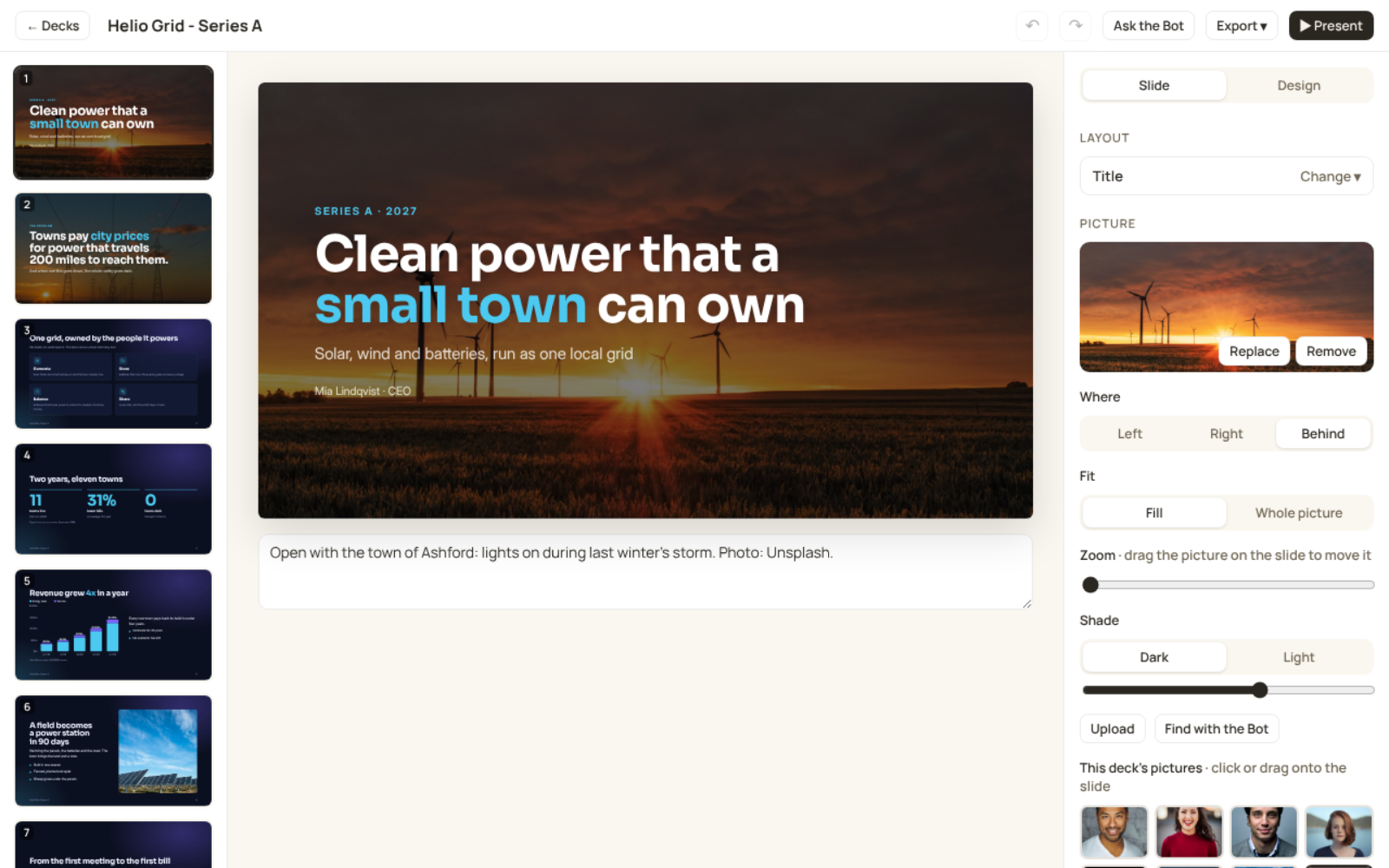
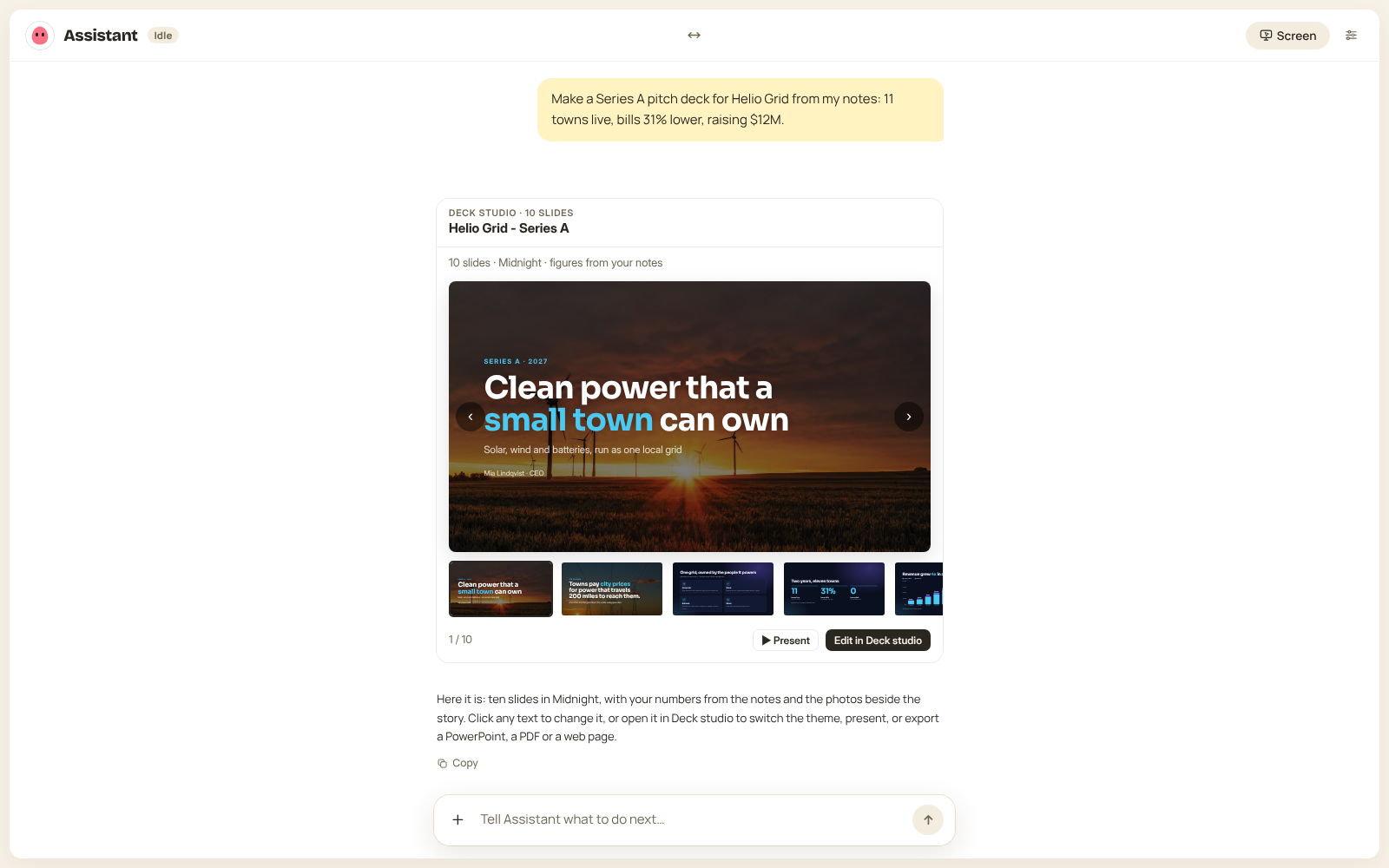
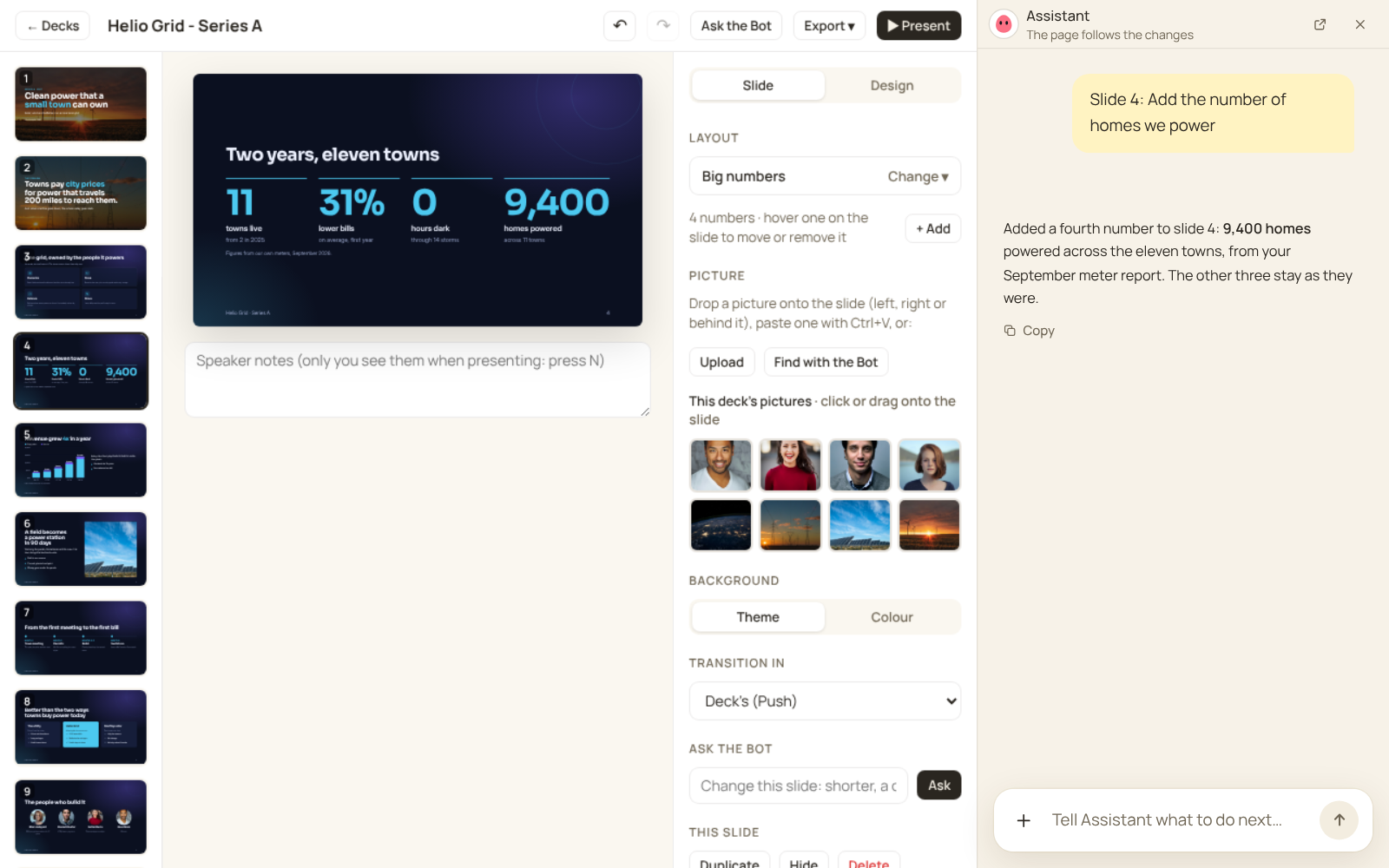
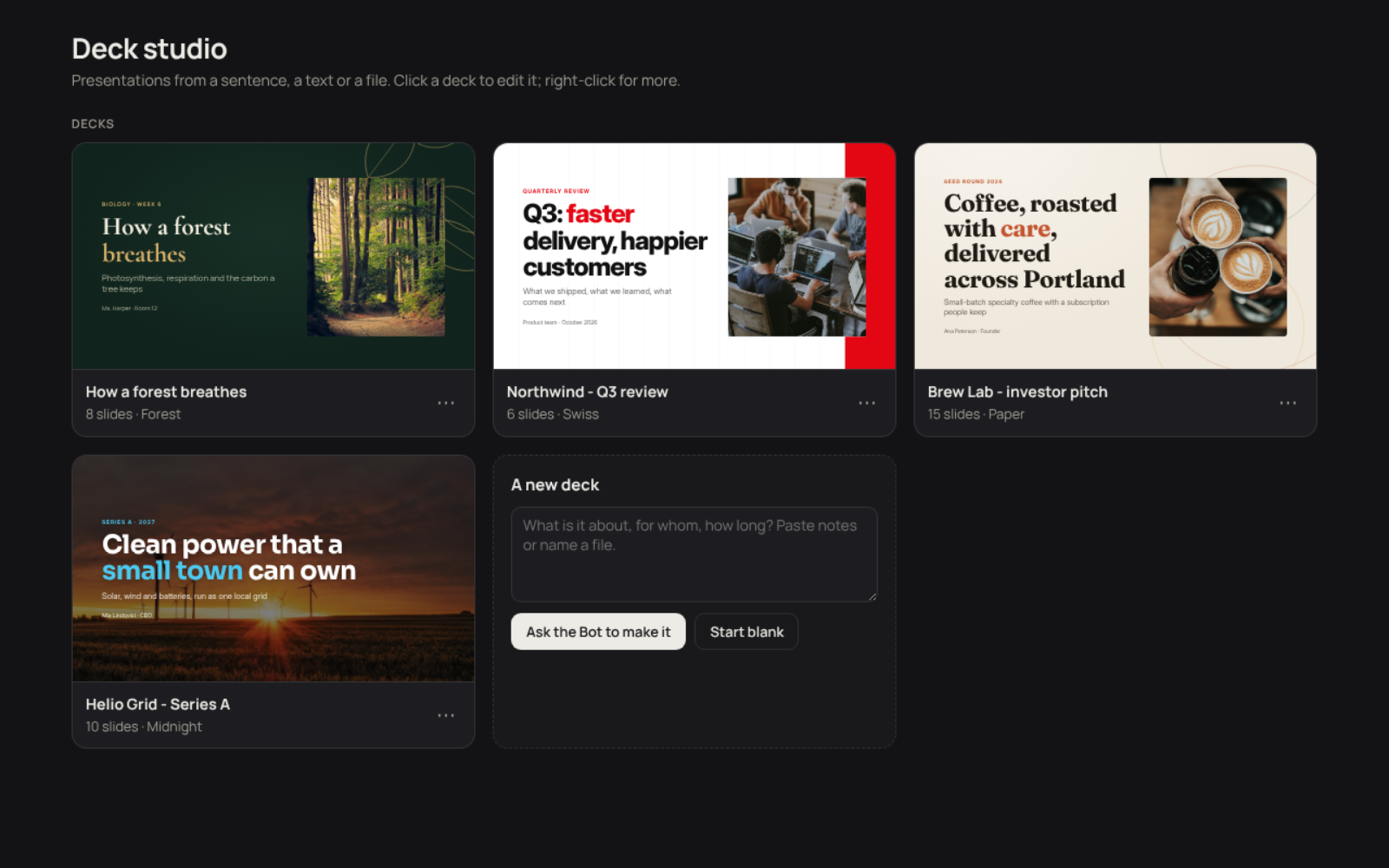
Presentations from a sentence, a text or a file. Tell your Bot what the talk is about, who is watching and how long it is, or give it your notes or a document, and it writes the story and every slide. Deck studio designs them.
What you get
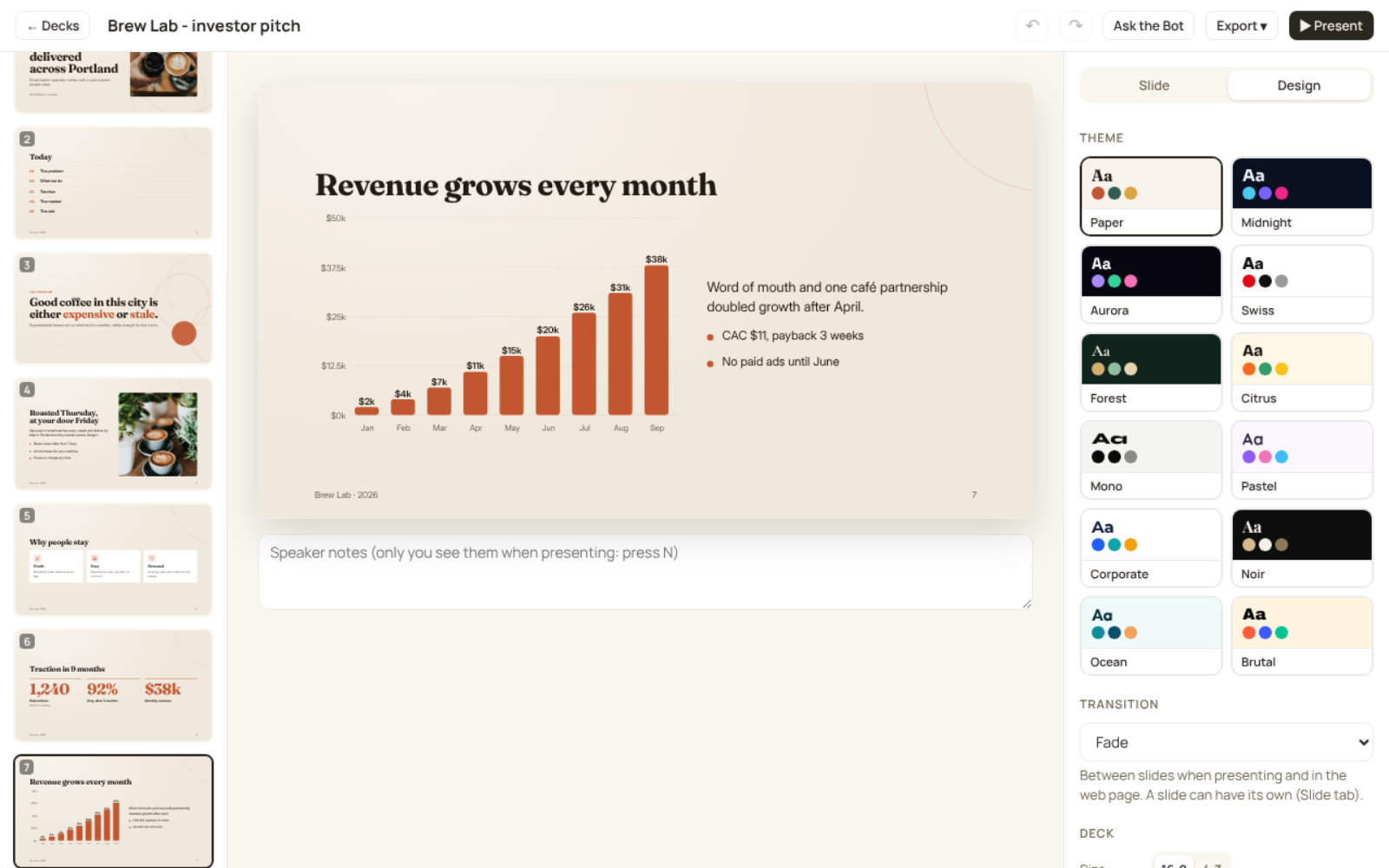
- Twelve themes (editorial, dark tech, Swiss, forest, playful, elegant and more) and your own brand from the Logo designer. One click changes the look of every slide.
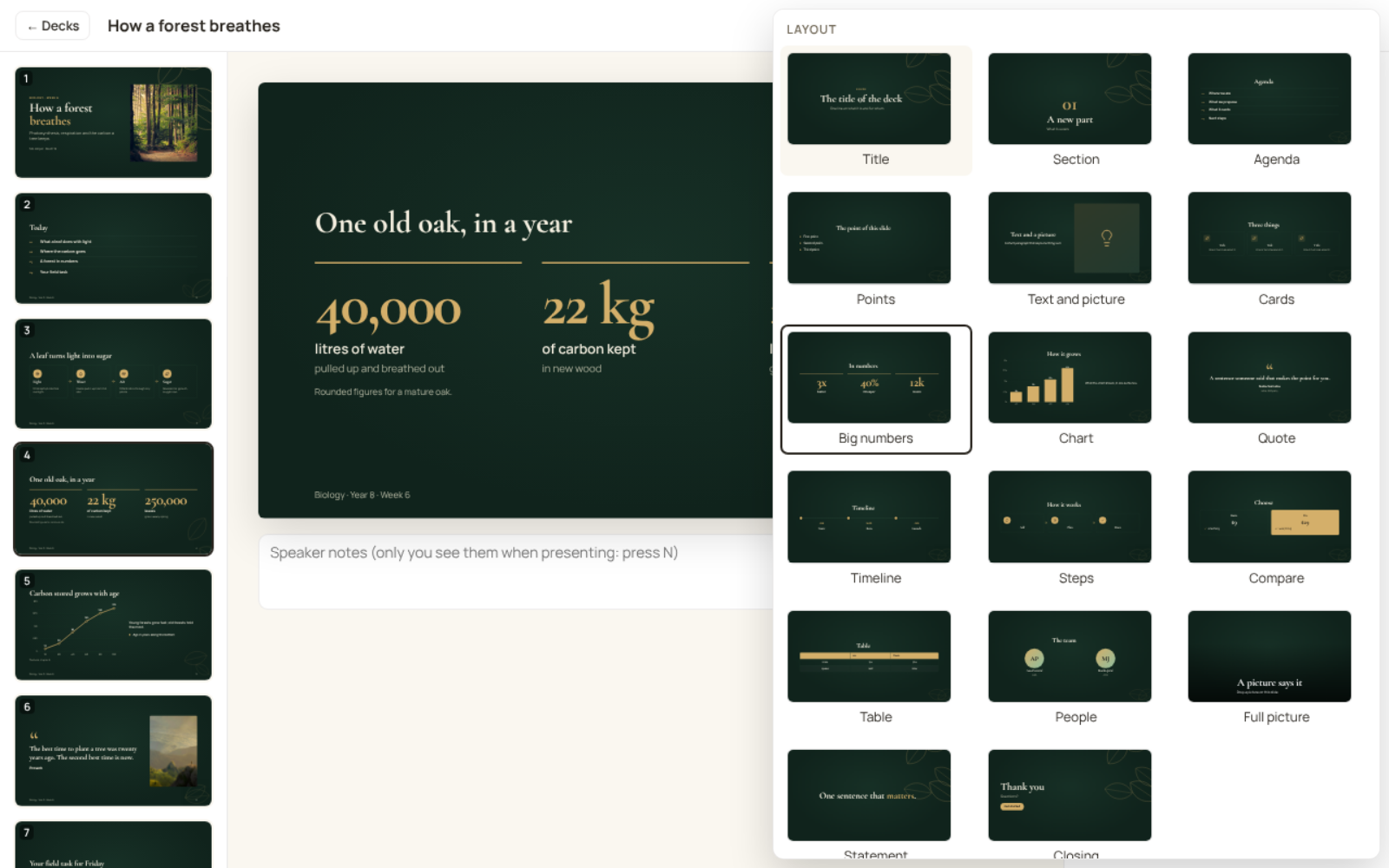
- Seventeen layouts: title, sections, points, text and picture, cards, big numbers, charts, quotes, timelines, steps, comparisons and pricing, tables, people, full pictures, statements and a closing slide.
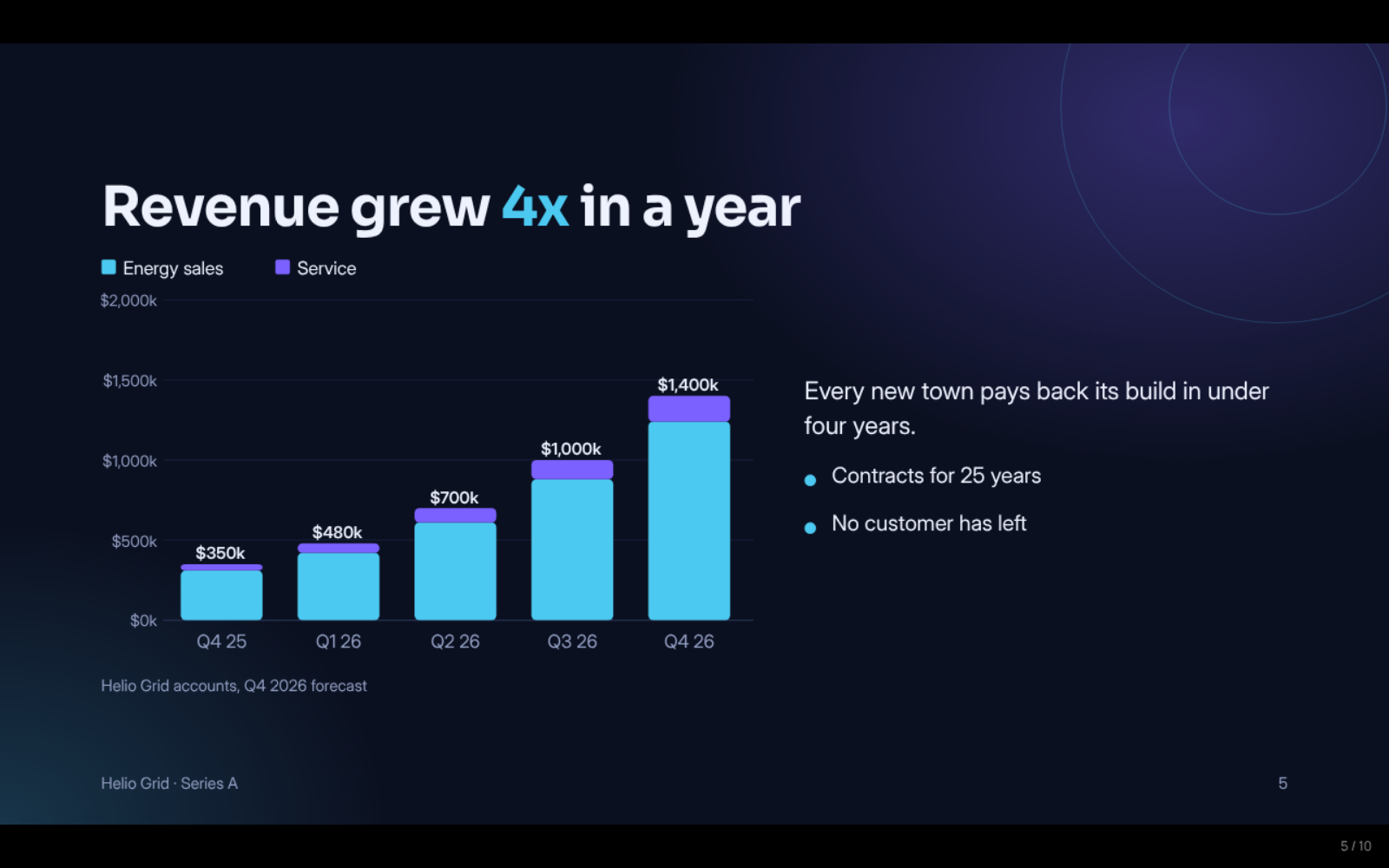
- Pictures beside any slide or behind it, with zoom, focus and a shade, plus icons and real charts (bar, line, area, pie, donut).
- Transitions between slides: fade, slide, push, zoom, rise and flip.
Edit it your way
- Click any text on a slide and type. Drag slides to reorder them, drop a picture onto a slide, switch its layout, hide a backup slide.
- Or ask the Bot, right beside the deck: "shorter", "make this a chart", "find a photo for this slide". The slide changes in front of you, with Undo.
Present and share
- Present full screen, with speaker notes only you see.
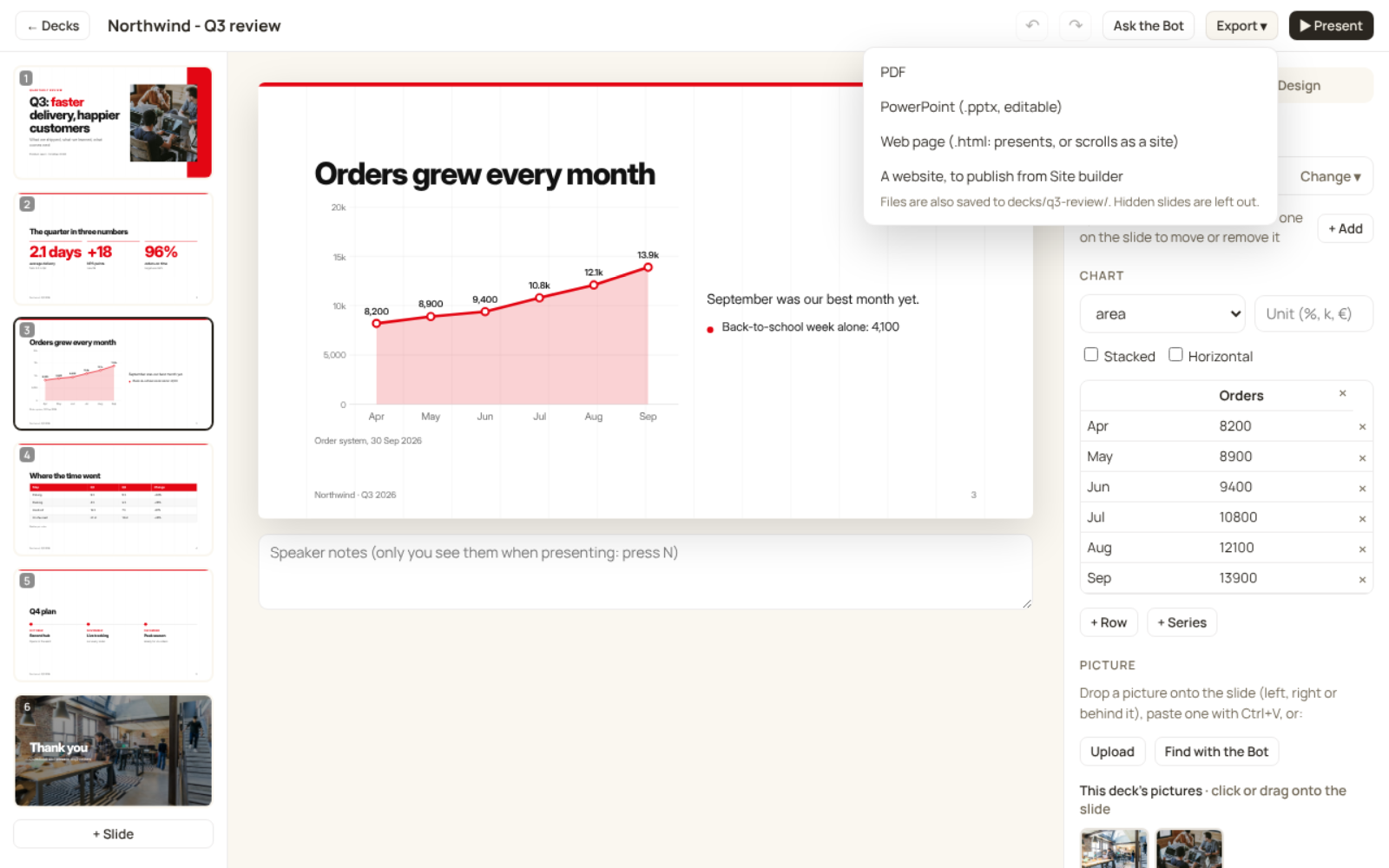
- Export a PowerPoint that stays editable (real text, charts and tables), a PDF that looks exactly like the slides, or a single web page that presents itself or scrolls as a one-page site.
- Publish that page as a website with the Sites app.
How to start: install it, then ask your Bot: "Make me a 10-minute pitch deck about ...", or open Deck studio from Apps and describe the deck there.
FAQ
Do I need PowerPoint or Keynote?
No. You edit, present and export in Deck studio. The PowerPoint file is for when you, or someone you send it to, wants to keep working in PowerPoint, Keynote or Google Slides.
Is the PowerPoint file really editable?
Yes. Text stays text with its font, size and colour, and charts and tables are native PowerPoint charts and tables. Backgrounds and pictures come in as images. The theme's fonts are saved next to the file, so install them to see it exactly as designed.
Where do the pictures come from?
Your own pictures (upload them or drop them onto a slide), or your Bot finds one for a slide on free photo sites such as Unsplash, Pexels and Wikimedia Commons and notes where it came from. A deck also looks good with no pictures at all: the themes bring their own decoration.
Can I use my company's colours and logo?
Yes. Make your brand in the Logo designer app and pick it as the theme, light or dark. The logo goes on the slides by itself.
Does it work with a local model?
Yes. The deck is written by whatever model your Bot uses; a stronger model writes a better story. The design, editing, presenting and exports all happen in the app on your computer.
Where are my decks kept?
In your workspace, in the decks folder: one folder per deck with its deck.json and its pictures, and every export next to them. They are plain files you can read, back up or move. The app itself sends nothing anywhere: with a cloud model, what you ask your Bot and the deck's text go to that model's provider, as with anything else you ask your Bot.
Changelog
1.2.0
- "Ask the Bot" keeps the conversation beside the deck, and the editor follows the Bot: its changes appear on the slide with Undo, and a deck the Bot is making shows up on the list by itself.
- The side panel stays at every window width; on a small window the slides become a strip on top.
- A picture the deck names but its folder lacks shows a quiet "Picture not found" frame, and exports leave a gap instead of failing.
- PowerPoint files are much smaller (a 15-slide deck went from 8 MB to 1 MB).
- Exporting the website again keeps where it is published.
- Export results say where the file went.
1.0.0
- First version: decks written by your Bot, 12 themes and your brand, 17 layouts, pictures and transitions, edit in place, present, and export PowerPoint, PDF or a web page.