 DeepBot
Play chess against your Bot on a 3D board, learn the game from the first move to advanced ideas, solve puzzles and review your games.
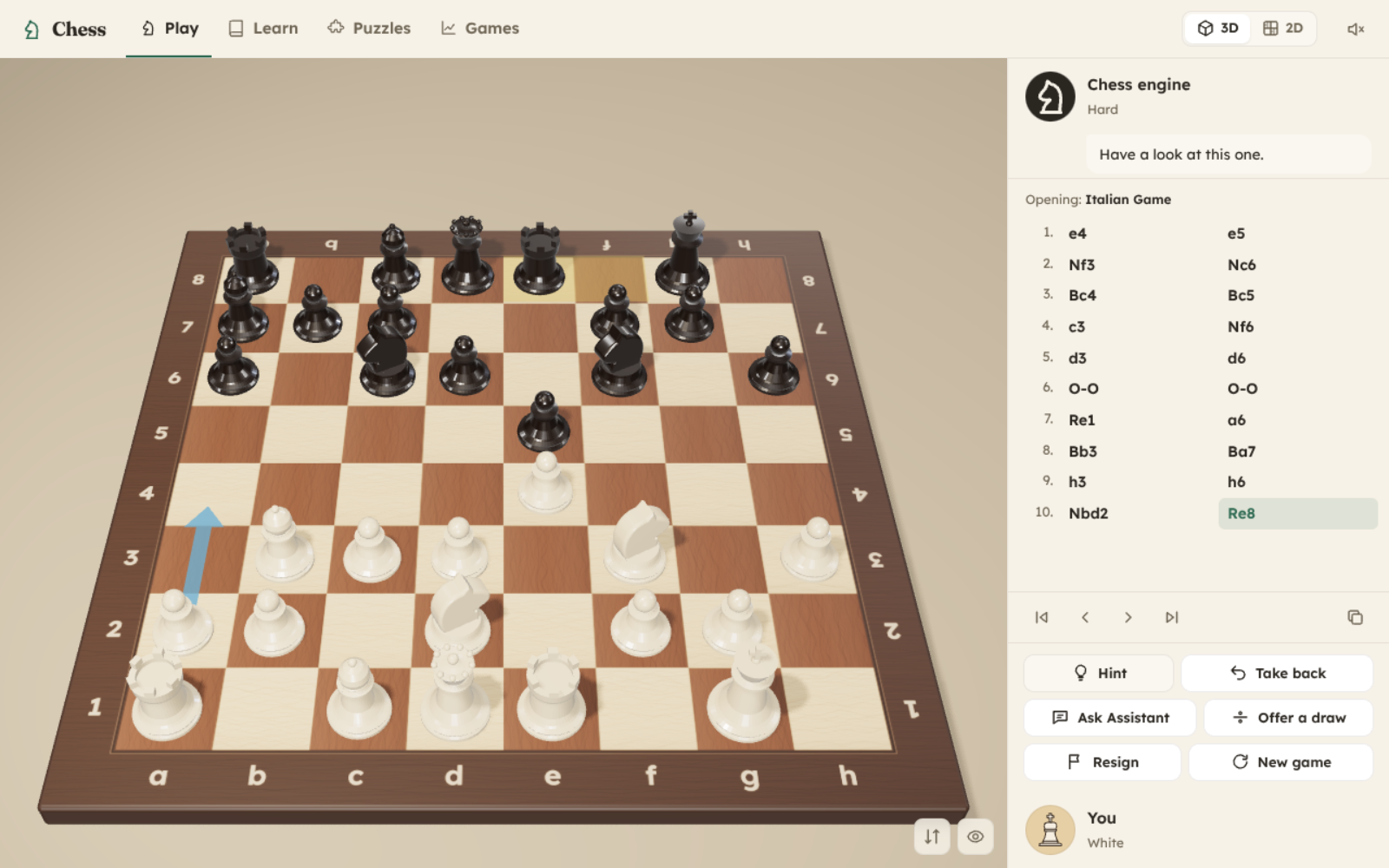
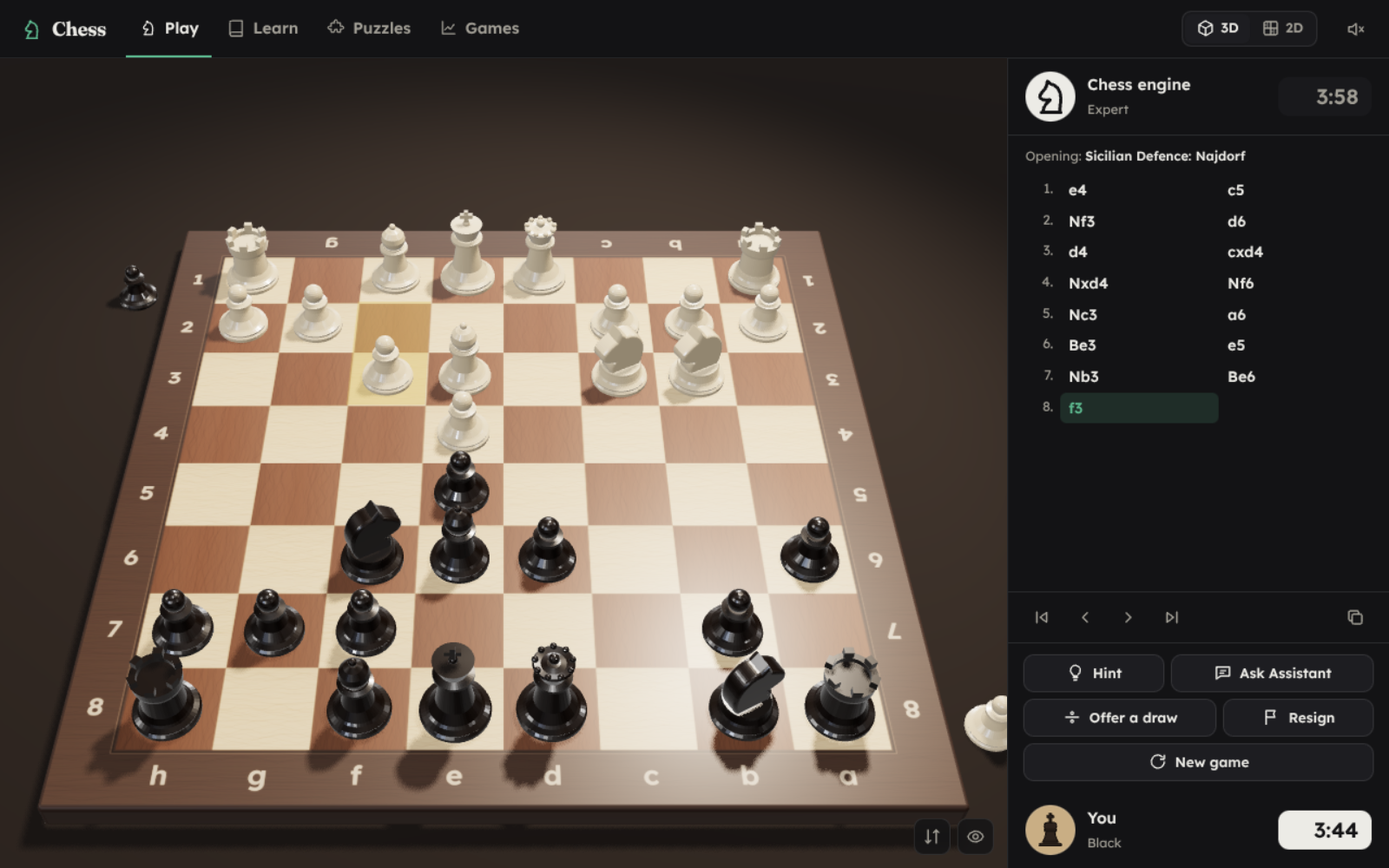
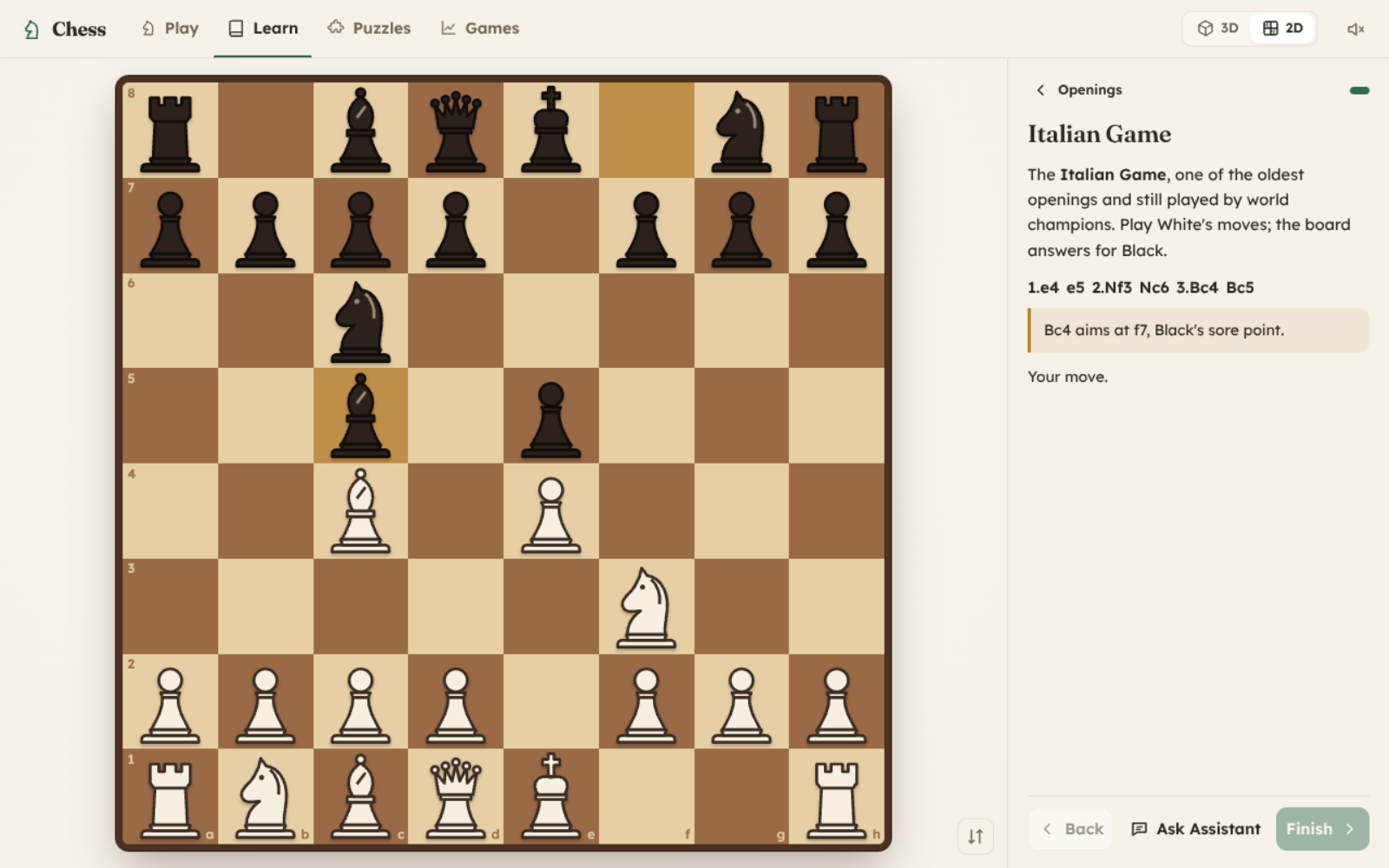
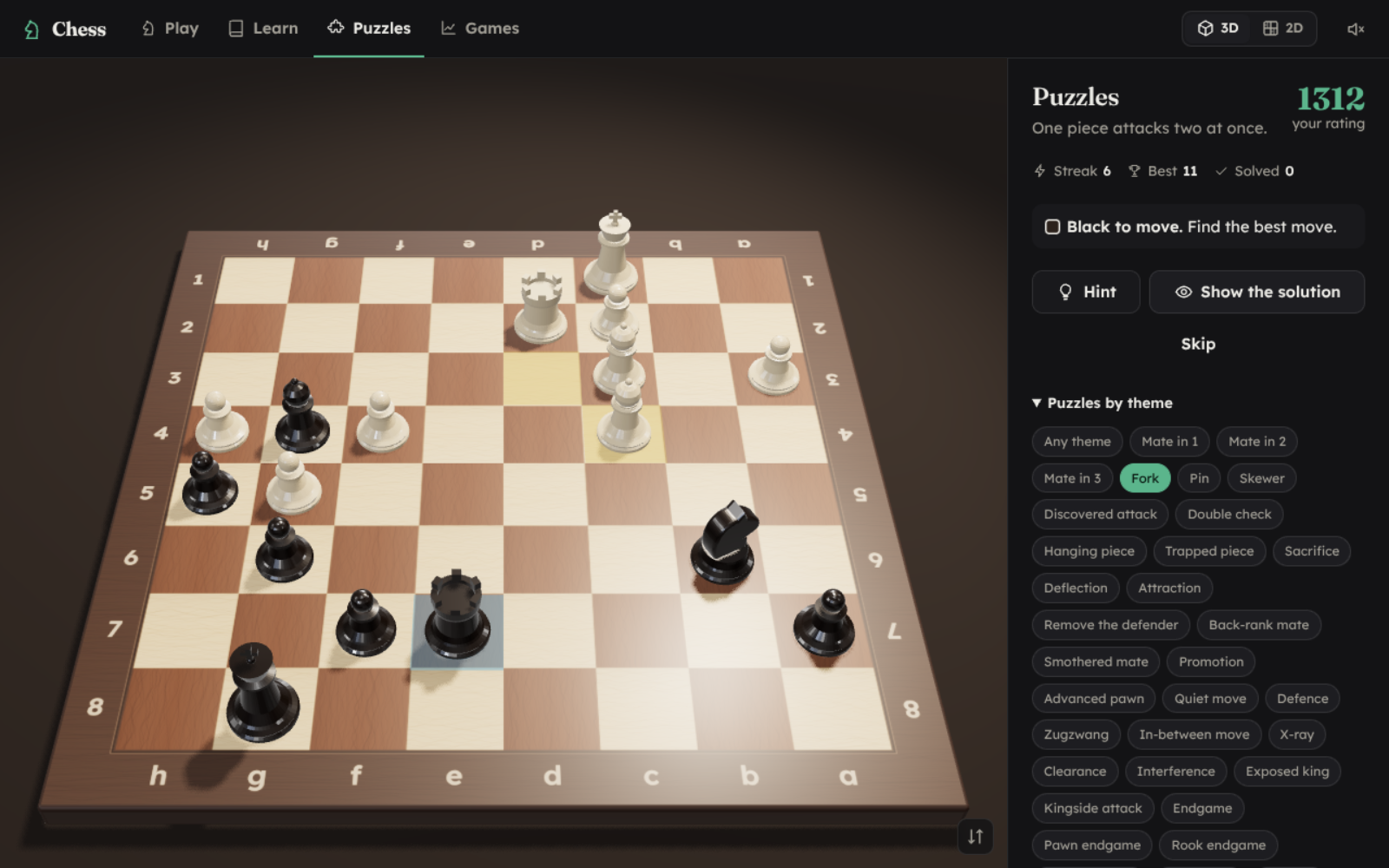
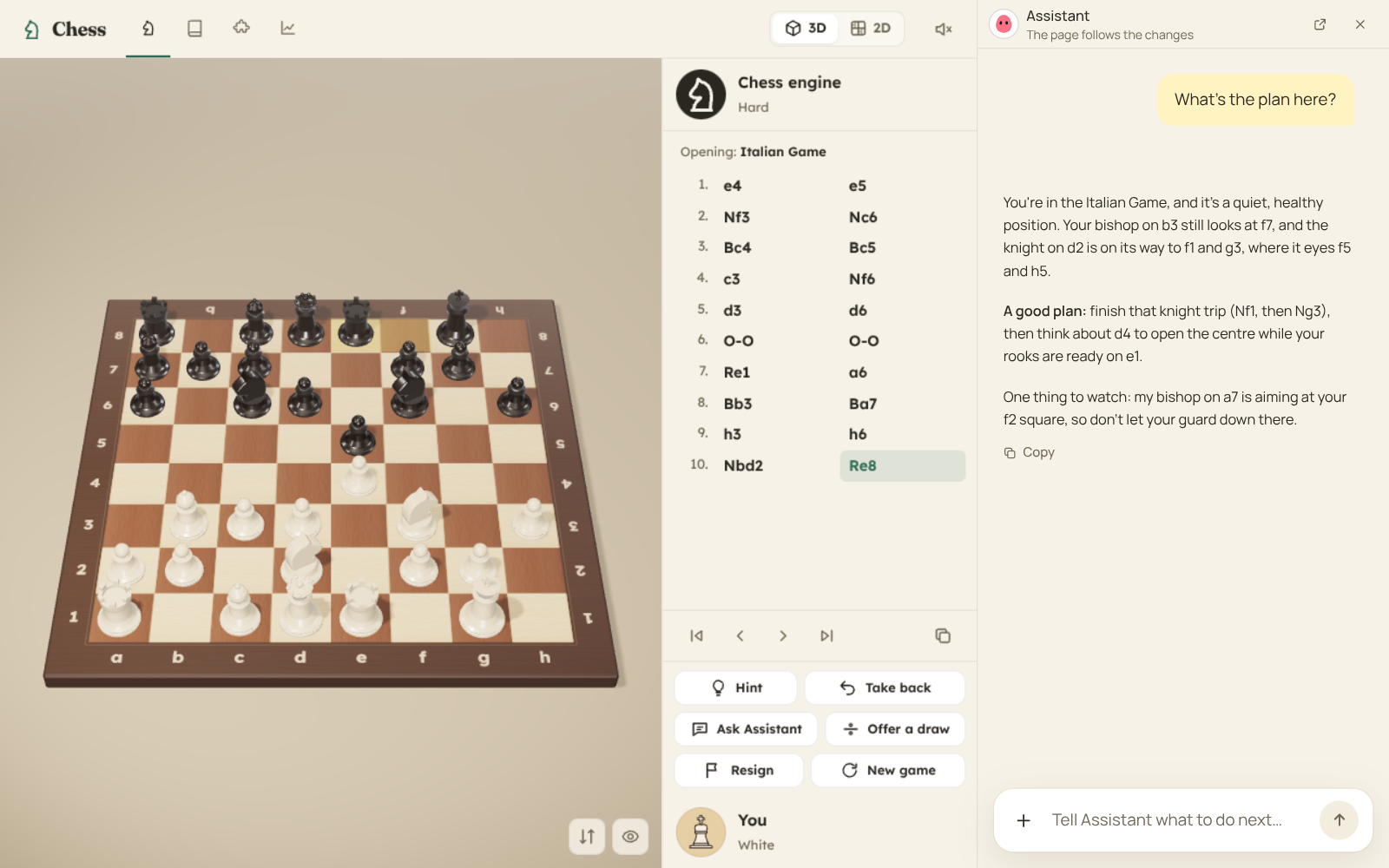
Chess with your Bot at the table. Play on a wooden 3D board, watch your Bots play, learn the game from the very first move, solve puzzles and look back at every game you played.
Play
- Five levels, from someone who just learned the moves to a strong club player. The weaker levels play like real beginners, not like a machine that throws pieces away at random.
- Choose your opponent: the chess engine at the level you pick, or one of your Bots choosing its own moves with your AI model.
- Your Bot sits beside the board: ask it anything about the position, any time.
- A 3D board you can turn, or a flat one. A clock (3+2 up to 30 minutes), hints, takebacks, draw offers, sound.
- Watch a game: your Bot against the engine, two of your Bots against each other, or the engine against itself, slow, normal or fast.
Learn
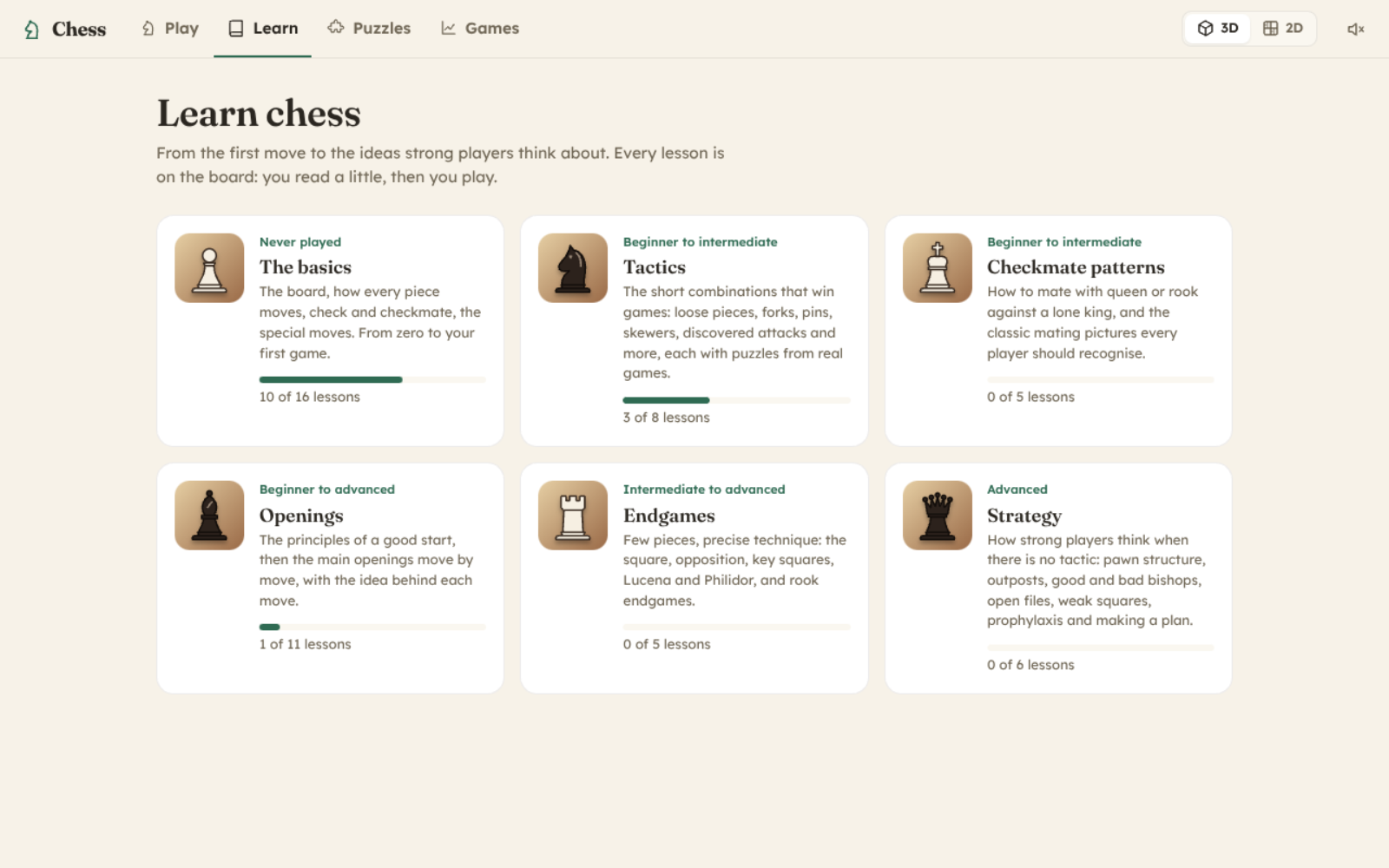
- The basics: the board, every piece, check, checkmate, castling, en passant, promotion, your first game.
- Tactics and checkmate patterns: forks, pins, skewers, discovered attacks, back-rank mates and more, each with puzzles from real games.
- Openings move by move (Italian, Ruy Lopez, Sicilian, French, Caro-Kann, Queen's Gambit, London, King's Indian), endgames (the square, opposition, Lucena, Philidor) and strategy (pawn structure, outposts, good and bad bishops, open files, prophylaxis, planning).
Train and look back
- Thousands of rated puzzles, by theme or at your level, with a rating that follows you.
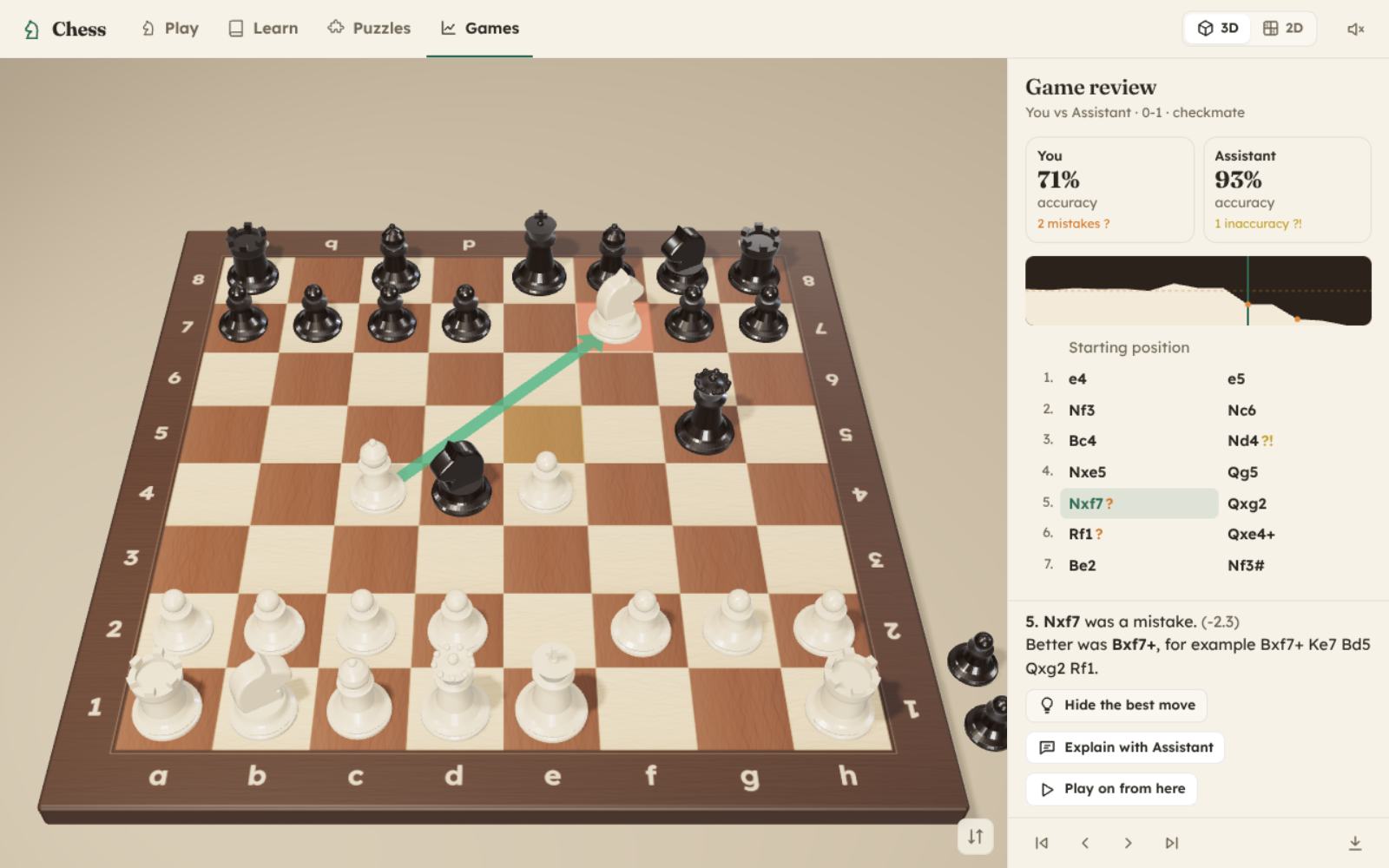
- Every finished game is kept. The review shows each side's accuracy, marks the mistakes and shows the better move, and your Bot explains any move you ask about.
In the chat
- Ask your Bot about an opening or a game and it shows the position on a board right in the chat, with arrows. Play on from there on the card, or open it in Chess.
- "Let Assistant play the engine": the game plays out on the card while you watch.
How to start: install it and open Chess from Apps. Or ask your Bot: "Let's play chess", or "teach me chess".
FAQ
How strong is it?
The strongest level plays like a good club player and beats most people who play for fun. The lowest level is for someone who has just learned how the pieces move. Pick the level you win about half the time against, and move up when you start winning more.
Does the Bot really play, or the engine?
You choose. Against the chess engine, the engine plays at the level you pick and your Bot sits beside the board to explain any position you ask about. Against one of your Bots, your AI model chooses every move. That is slower, uses your model's tokens, and plays like a language model: inventive, sometimes careless.
Does it need the internet?
No. The engine, the lessons and the puzzles are all inside the app. Only asking your Bot something (or letting it choose its moves) uses your Bot's model, as with anything else you ask it.
Where are my games kept?
In your workspace, in the chess/games folder, as PGN files any chess program can open. Your settings, lesson progress and puzzle rating are kept by DeepBot on your computer.
Where do the puzzles come from?
From the Lichess puzzle database, which is public domain: positions from real games, each one solved and rated by many players. A few thousand were picked for quality and spread over every level and theme.
My computer shows a flat board instead of the 3D one.
The 3D board needs WebGL. Where it is not available, Chess switches to the flat board on its own; everything else works the same.
Changelog
1.0.0
- First version: play the engine at five levels or one of your Bots, on a 3D or flat board, with a clock, hints and takebacks; watch Bots and the engine play each other; six courses of lessons; rated puzzles by theme; game review with accuracy and mistakes; a chess board card for the chat, where you can play on or watch a game.